
Style mapping
Keep catalogue page, style codes, and visuals in one record for reorders.
2026 lookbook verified / Suit customization DIY
Move from a verified catalogue direction to fit, cloth, lining, branding, sizing, and quantity — ready for a sampling conversation.
The fourteen directions on this page map to pages 3–10, 19–20, 27–28, and 35–36 of the 2026 lookbook, with both catalogue and model visuals.
Final cloth, fit, and bulk quantity are locked after sample approval.02 / Style and specification
Every direction is tied to a catalogue page, style codes, colour, fabric weight, and a matching model visual. Add fit, lining, buttons, branding, sizing, and quantity before sampling.
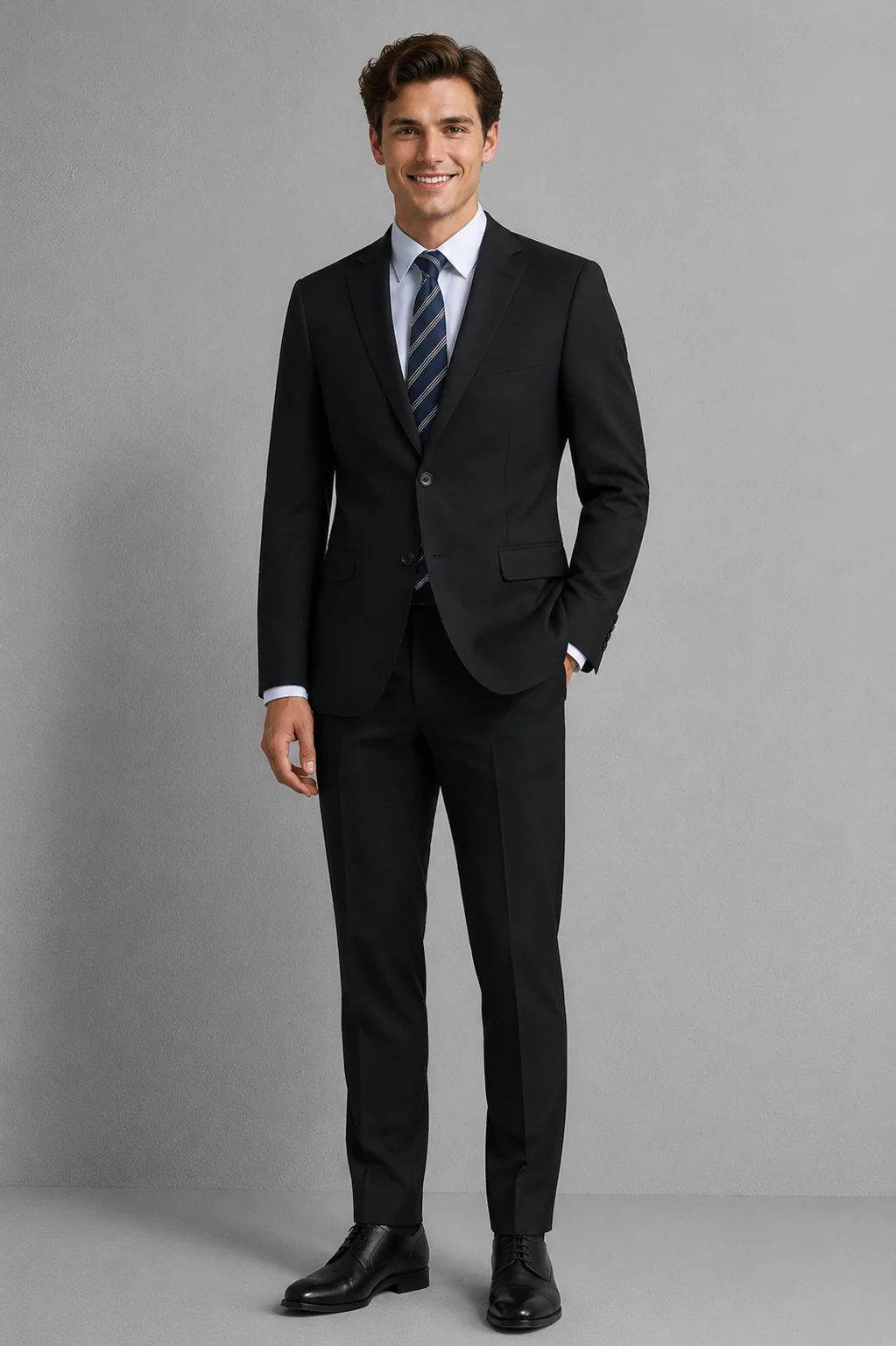 Model visual
LOOKBOOK 03
Model visual
LOOKBOOK 03
Two-button jacket, matching trousers and four-button vest.
Procurement checkpoints
Keep catalogue page, style codes, and visuals in one record for reorders.
Use the catalogue colour and weight for direction; approve the final cloth from a physical swatch.
Lock size distribution, branding, packing, and reorder records before bulk.
TEAM SUIT PROGRAMME / BUYER’S BRIEF
The configurator brings a verified style reference, selected direction, and project notes into one place. It is a sourcing brief—not final fit approval, a fabric commitment, or a production quotation.

Five details that make the brief usable
List wearer roles, work locations, and level of formality. Front-of-house, management, and everyday office teams may have different needs.
Keep the selected style name, code, and lookbook page together so the image, configuration, and quotation refer to the same direction.
State whether the project uses a standard size set or needs a project size chart. Split quantities by wearer group and flag sizes that need a separate review.
Use the lookbook as a starting reference, then confirm shade, composition, weight, and availability against a physical swatch.
Describe logo, label, packing, destinations, and reorder needs. Confirm the available method, price, and delivery terms in the project quotation.
FROM BRIEF TO APPROVED STANDARD
Keep the link between the style direction, sample, and bulk specification easy to trace.
Select a lookbook style and note roles, quantity split, size route, and open questions.
Agree in writing on feasible cloth, fit, branding details, sample scope, and quotation assumptions.
Have representative wearers check movement, appearance, and details. Record revisions, owners, and the approved version.
Use the approved sample, cloth reference, size chart, quantity split, and packing notes as the order basis.
BUYER QUESTIONS
Use these notes to prepare a team brief. Confirm project-specific feasibility in writing.
No. It organizes a style direction and project notes. Fabric availability, MOQ, sample scope, price, and timing are confirmed against the specification and listed in the project quotation.
No. Use catalogue imagery to shortlist, then confirm the final shade, composition, weight, and availability against the approved physical swatch and project record.
Start by listing styles and quantities by department or wearer group, then combine them into one project enquiry. Include the size distribution and exceptions for BERKAM to confirm against that project.
The “Individual measurements” option records a project request; it does not confirm that the service is available. This builder helps corporate teams organize style and sourcing requirements, but does not represent individual pattern drafting or multiple fittings. Confirm any tailoring or construction requirement in writing, including scope, sample steps, and pricing.
Retain the style code and lookbook page, approved sample, cloth reference, size chart, logo file, and packing requirements. Reconfirm fabric availability, quantity, and quotation terms for each reorder.
NEXT STEP
Choose a style direction, then share the roles, quantities, target date, and open questions.